When purchasing or leasing a vehicle at Sunset Hills Subaru, one of the most common questions our tech specialists answer centers on automotive connectivity. Modern drivers expect seamless integration between their smartphones and their vehicles, but they also want clarity on safety systems, remote accessibility, and emergency response capabilities. The Subaru STARLINK system provides a suite of connected services, divided primary into two tiers: STARLINK Safety Plus(basic) and STARLINK Safety & Security Plus (premium).
Key Takeaway Breakdown:
• No-Subscription Features: Standard multimedia capabilities like Bluetooth pairing, Apple CarPlay, and Android Auto work automatically on touchscreen displays without requiring an active STARLINK paid subscription.
• STARLINK Safety Plus (Basic): Focuses on critical vehicle health and emergency response, including Automatic Collision Notification, SOS Emergency Assistance, Enhanced Roadside Assistance, Vehicle Health Reports, and Diagnostic Alerts.
• STARLINK Safety & Security Plus (Premium): Builds upon the basic package by introducing powerful remote convenience features via the MySubaru app, including Remote Engine Start with Climate Control, Remote Door Lock/Unlock, Remote Horn & Lights, Vehicle Locator, Stolen Vehicle Recovery, and customizable boundary, speed, and curfew alerts.
Expert Insights on Subaru STARLINK: An Interview with Ryan Blankenship
To help St. Louis area drivers navigate the technology options available on modern vehicles, we sat down with Ryan Blankenship, General Manager at Sunset Hills Subaru. With over 8 years of experience guiding drivers across Sunset Hills, Ladue, Kirkwood, and Webster Groves, Ryan has seen firsthand how connected vehicle technology has evolved from a luxury add-on into an essential everyday safety and convenience tool.
“When customers step into our showroom on Watson Road, they often hear the term ‘STARLINK’ used for everything from touchscreen navigation to emergency roadside calls,” Ryan explains. “My goal in this interview is to demystify what the technology does, clearly separate standard infotainment from active subscription features, and help buyers choose the exact package that fits their lifestyle.”
Whether you are considering a compact crossover like the New Subaru Crosstrek Inventory or a spacious three-row family SUV like the New Subaru Ascent Inventory, understanding how STARLINK works ensures you get maximum value out of your vehicle.
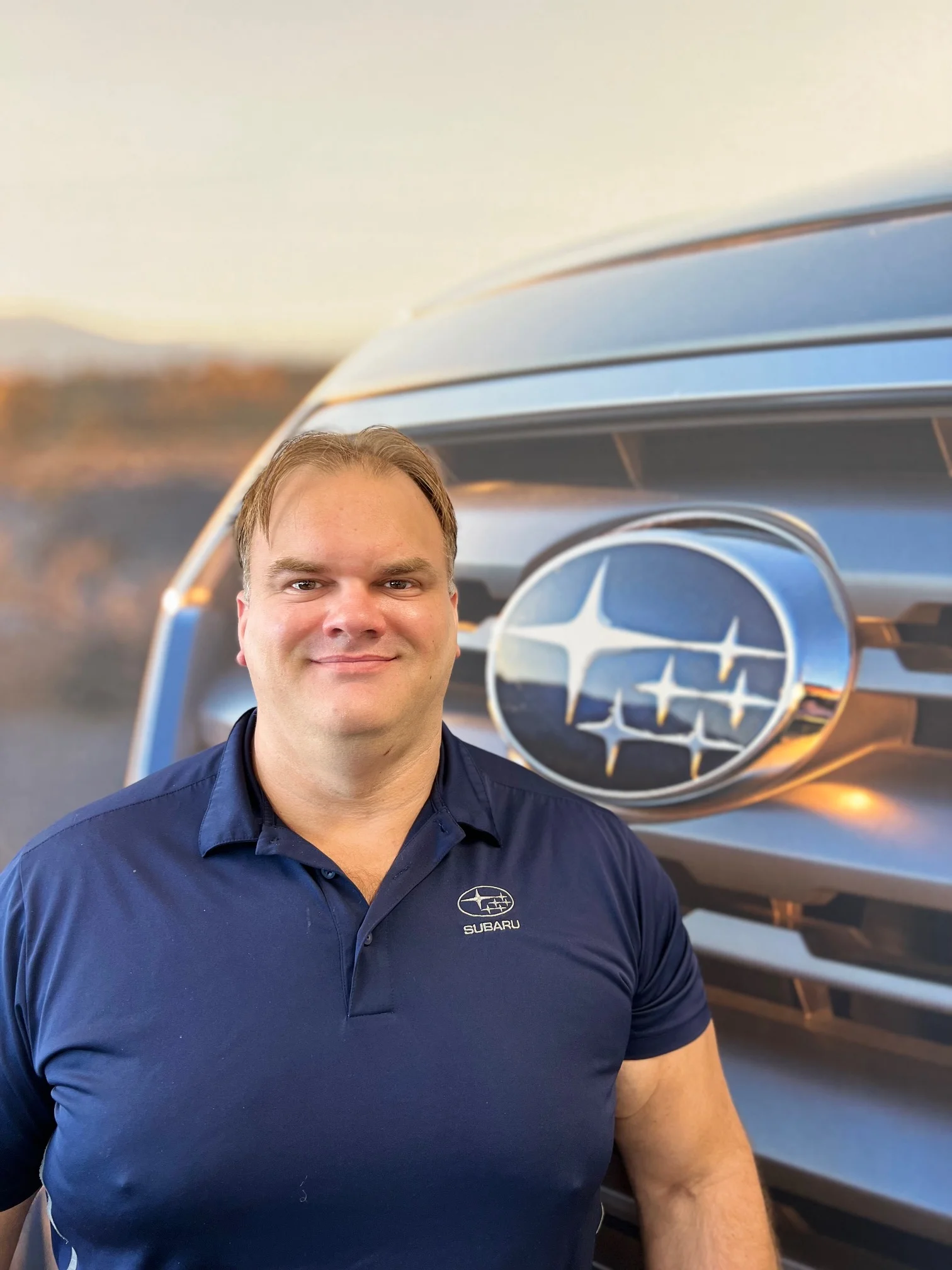
Ryan Blankenship brings 8 years of automotive management experience to Sunset Hills Subaru, assisting customers throughout the greater St. Louis metropolitan area.
Q: What features are included in a basic versus premium Subaru STARLINK package?
Interviewer: Ryan, let’s start with the direct feature breakdown. How does Subaru divide the basic package from the premium package?
Ryan Blankenship:“Great starting point. Subaru structures its connected services in two distinct layers above the standard infotainment system. The basic layer is called STARLINK Safety Plus. It comes as a multi-year complimentary trial on almost every new Subaru model equipped with connected services.
Safety Plus is built around vehicle protection and emergency readiness. It includes:
• Automatic Collision Notification: If an airbag deploys, the vehicle automatically contacts a STARLINK Customer Care Advisor to dispatch emergency responders.
• SOS Emergency Assistance: A red SOS button on the overhead console gives you 24/7 access to live assistance.
• Enhanced Roadside Assistance: Pressing the blue wrench button connects you to roadside dispatchers who know your exact GPS location.
• Maintenance Notifications & Diagnostic Alerts: Sends automated vehicle health checks and alerts if a check engine light illuminates.
Ryan Blankenship (continued):“When you upgrade to the premium package—known as STARLINK Safety & Security Plus—you retain every feature of Safety Plus and add a suite of active remote control and theft-prevention features accessed primarily through the MySubaru app.
Premium package additions include:
• Remote Engine Start with Climate Control: Start your Subaru remotely and pre-condition the interior temperature.
• Remote Door Lock / Unlock & Horn / Lights: Lock your vehicle from anywhere or flash the lights in a crowded lot.
• Remote Vehicle Locator: Pinpoint your car’s location on a digital map.
• Stolen Vehicle Recovery & Immobilizer: Coordinates with police to track stolen vehicles and prevent engine restarting.
• Boundary, Speed & Curfew Alerts: Perfect for suburban families with teenage drivers in Ladue or Sunset Hills. You receive immediate push notifications if the vehicle crosses a geofenced area or exceeds set speed limits.
Q: Can Subaru STARLINK remotely start the engine and control climate settings?
Prerequisites & Hardware
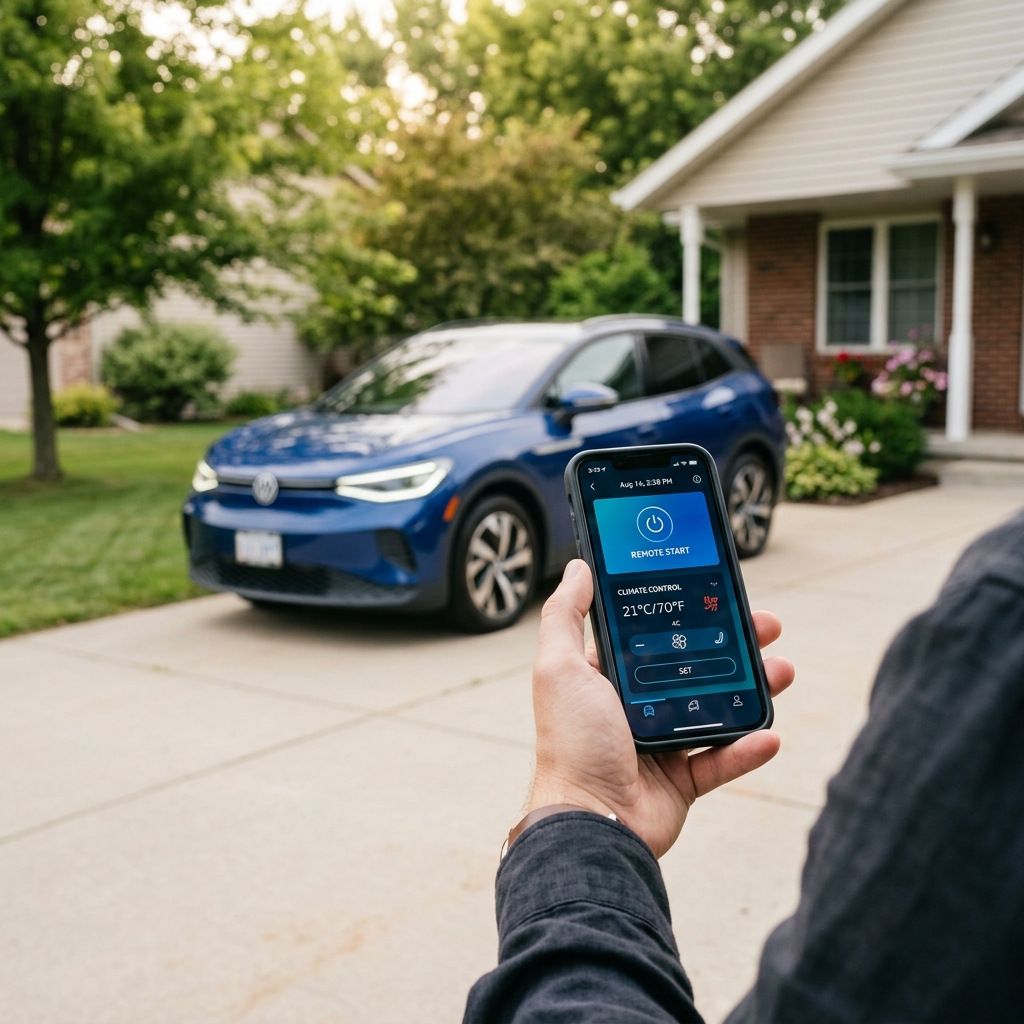
Ryan Blankenship: “Yes! Remote Engine Start with Climate Control is single-handedly the most popular feature in the premium Safety & Security package. However, it requires two things: an active Safety & Security subscription and a vehicle equipped with Push-Button Start and Keyless Access. Vehicles with key-turn ignition cannot support cellular engine start, though they can still use standard key-fob starters.
Seasonal Climate Presets
Ryan Blankenship: “In St. Louis, we experience extreme summer heat and frosty winter mornings. With the MySubaru app, you can create custom presets. On a humid 95°F August afternoon in Sunset Hills, you can launch the app from your desk, set the cabin temperature to 68°F, enable max A/C, and activate ventilated seats. In winter, turn on defrost and heated seats before stepping outside.
The MySubaru mobile application gives you instant control over cabin temperature, door locks, and engine start from anywhere with cellular coverage.
Q: What features are included in Subaru STARLINK Safety and Security?
24/7 Safety Infrastructure
Interviewer: Ryan, let’s talk about the peace-of-mind aspect. How do these emergency systems function when a driver actually needs them on the road?
Ryan Blankenship:“That’s where Subaru’s commitment to safety really shines. If you are driving on I-270 or highway 66 during heavy weather and get into a severe collision, sensors trigger Automatic Collision Notification instantly. An advisor speaks into the cabin over the hands-free speaker system. Even if you are unresponsive, the advisor uses onboard GPS coordinates to dispatch first responders directly to your location.
Similarly, if you hit a pothole or experience a flat tire, pressing the blue Roadside Assistance button routes your location straight to tow services. You don’t have to try to explain what landmark or highway mile marker you are near.”
If you ever need technical help or maintenance checkups, you can easily Schedule Service and Diagnostics with our factory-trained team at Sunset Hills Subaru.
Anti-Theft & Stolen Vehicle Recovery
Ryan Blankenship:“On the security side, the premium package acts as a constant guard. If your car alarm is triggered while parked at a shopping center, you receive an immediate alert on your smartphone.
In the unfortunate event that your vehicle is stolen, STARLINK works in tandem with law enforcement. Once a police report is filed, STARLINK customer service can activate Stolen Vehicle Recovery, sharing real-time GPS tracking with officers. They can also issue a Stolen Vehicle Immobilizer command, preventing the engine from restarting once it is turned off. It makes recovering a stolen Subaru significantly faster and safer.
Q: What multimedia features does Subaru STARLINK include on recent Subaru models?
Interviewer: Some car buyers worry that if they don’t subscribe to a monthly safety package, their dashboard touchscreen becomes useless. Can you clear up how STARLINK Multimedia works?
Ryan Blankenship:“I’m really glad you asked that because there is a common misconception that touchscreen features are tied to subscription fees. That is completely untrue. Will you lose basic infotainment features if you do not pay for a Subaru STARLINK subscription? Absolutely not.
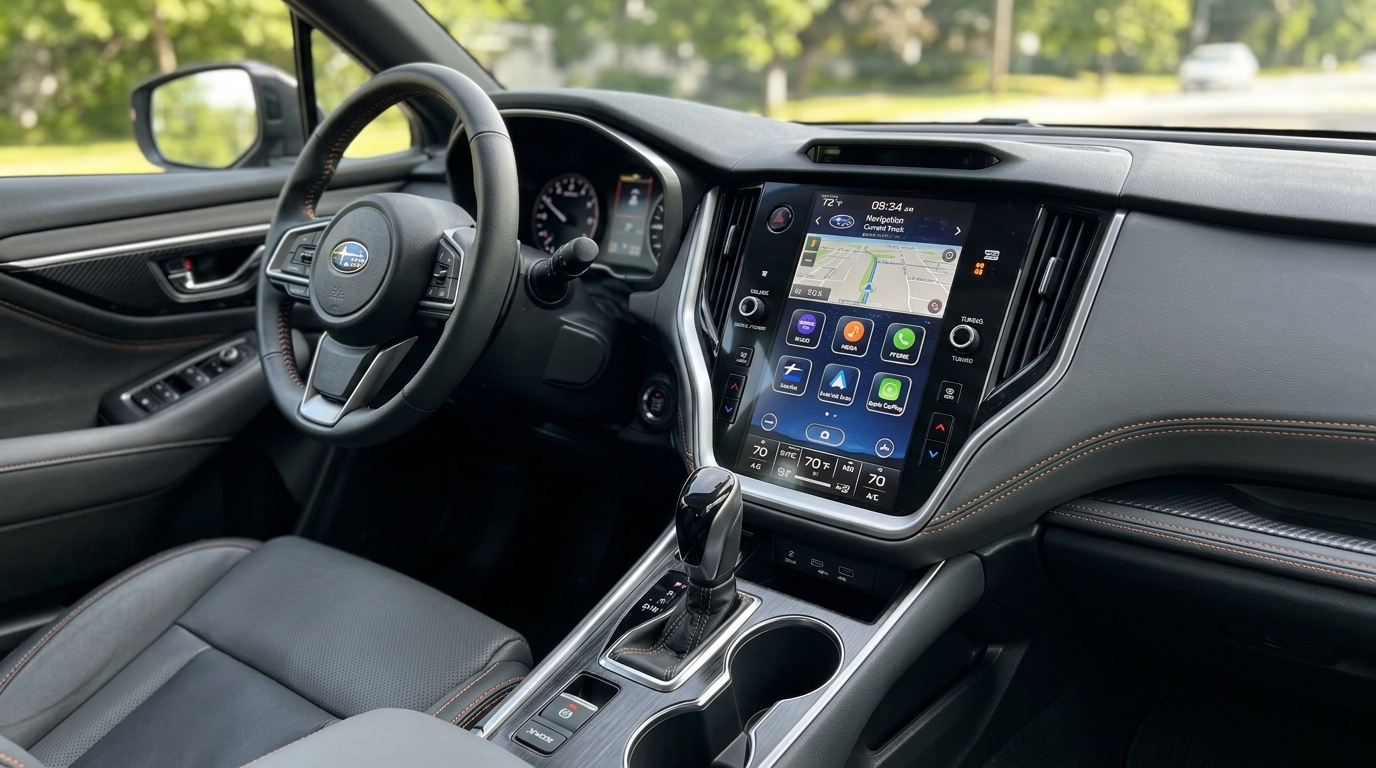
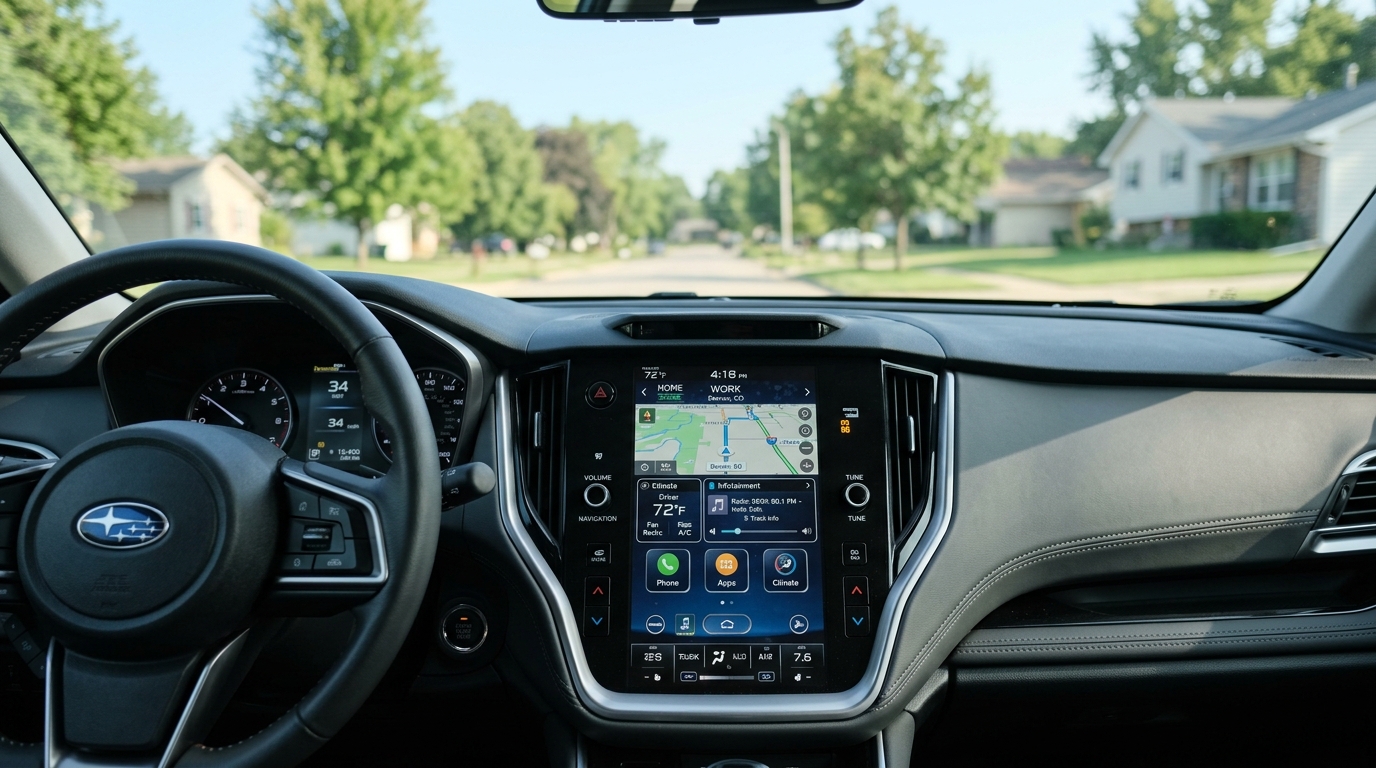
STARLINK Multimedia is the physical and digital infotainment center built into the dashboard. On modern models like the New Subaru Outback Inventory or New Subaru Forester Inventory, you’ll find either high-resolution 11.6-inch vertical touchscreens or dual 7.0-inch displays.
Standard multimedia capabilities that work 100% free without any subscription include:
• Wireless or wired Apple CarPlay and Android Auto integration.
• Bluetooth audio streaming and hands-free phone calling.
• AM/FM radio, HD Radio, and SiriusXM capability.
• Steering wheel audio and voice controls.
• USB input ports and smartphone charging capabilities.
Ryan Blankenship:” Can I still use Apple CarPlay or Android Auto in a modern Subaru if wireless connectivity is not available? Yes, simply connect your phone using a certified USB cable to mirror Google Maps, Waze, Spotify, and Apple Music directly onto the display screen.”
Q: Can I personalize the Subaru STARLINK interface for quicker access to my favorite features?
Drag-and-Drop Icons
Ryan Blankenship: “Just like customizing your smartphone home screen, STARLINK allows you to press and hold app icons on the touchscreen display to reorder them. You can move your top tools—such as Navigation, Apple CarPlay, Radio Presets, or Climate Controls—right to the primary row for one-touch access while driving.
Driver Profile Syncing
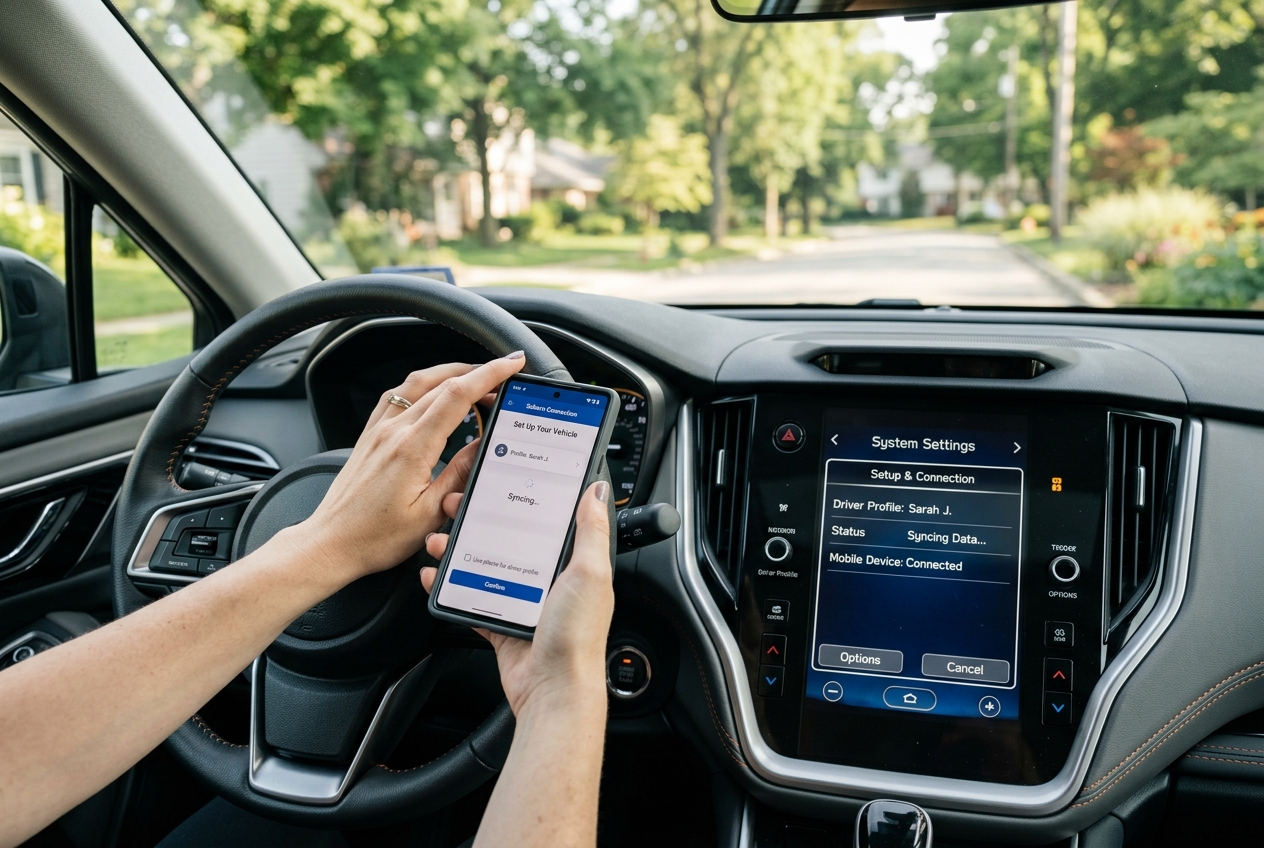
Ryan Blankenship: “If multiple family members drive the same car, you can set up distinct Driver Profiles. The vehicle recognizes paired Bluetooth phones or driver profiles, automatically recalling your favorite radio station presets, audio equalizer preferences, and climate shortcuts as soon as you enter.
MySubaru App Registration
How do you register an account on the MySubaru mobile app?
During vehicle delivery at Sunset Hills Subaru, our Delivery Specialist pairs your phone, assists you in downloading the MySubaru app, inputs your Vehicle Identification Number (VIN), and establishes your secure PIN code so you walk away with a fully customized setup.
Q: Which drivers benefit more from choosing Subaru STARLINK instead of HondaLink?
Interviewer: Cross-shoppers frequently evaluate Subaru vehicles against Honda models such as the CR-V or Pilot. How does Subaru STARLINK stack up against HondaLink in terms of remote access and safety services?
Ryan Blankenship:“Both systems offer quality telemetry, but Subaru STARLINK offers features that may appeal to suburban drivers and families:
1. Response Time & Cellular Network Integration: STARLINK utilizes built-in 4G LTE cellular connectivity designed for rapid execution of remote start and emergency signals, even in underground parking or semi-rural areas surrounding St. Louis County.
2. Integration with EyeSight® and Symmetrical AWD: STARLINK diagnostic systems monitor Subaru’s active safety hardware—like EyeSight Driver Assist cameras and Symmetrical All-Wheel Drive sensors—providing alerts specifically tailored to AWD vehicle health.
3. Package Value & Extended Trials: Subaru consistently provides generous complimentary trial periods on Safety Plus with new vehicle purchases, whereas competitive systems often tier basic emergency notifications behind earlier subscription renewals.
Suburban commuters benefit from STARLINK’s seamless integration with Symmetrical All-Wheel Drive safety diagnostics and EyeSight camera monitoring systems.
Q: How are Subaru STARLINK software updates installed to fix bugs or add features?
Over-The-Air (OTA) Updates
Ryan Blankenship: “Subaru keeps system software current via Over-The-Air (OTA) updates. You can connect your Subaru to your home Wi-Fi network while parked in your driveway. The system checks for available software patches, downloads them, and prompts you on the touchscreen to accept the installation. This improves bluetooth compatibility, optimizes screen response, and delivers new system refinements without a trip to the dealership.
Troubleshooting & System Reset
How do I reset a Subaru STARLINK radio if the touchscreen or audio stops responding? Ryan Blankenship:“If your screen occasionally freezes or phone connectivity drops, performing a quick soft reset usually resolves it immediately:
1. Turn the ignition switch to ON/ACC mode.
2. Press and hold down the physical Power / Volume knob for approximately 10 to 15 seconds.
3. Hold until the display screen goes completely dark and restarts with the Subaru emblem.
If frozen screens persist, bring your car to Sunset Hills Subaru where our technicians can perform a full firmware re-flash under warranty.
Q: Is Subaru STARLINK worth the subscription cost compared to standard smartphone features?
Cost vs. Benefit
Ryan Blankenship: “Standard phone features mirror maps and music, but smartphones cannot start your engine, heat your seats, or automatically alert crash responders when you are unconscious. After the initial complimentary period expires, renewing Safety & Security Plus works out to contact the dealership for current subscription details.
Transferring Ownership
What documentation is required to transfer STARLINK account ownership at a dealership?
If you purchase a pre-owned vehicle or trade in your car, simply present your vehicle registration and photo ID to our finance department. We clear the previous owner’s account and activate your profile.
Q: Can I get an in-person demo of Subaru STARLINK at a local Subaru dealer?
Interviewer: For drivers who are still unsure which STARLINK package suits their driving habits, what is the best next step?
Ryan Blankenship:“We invite you to visit our showroom at Sunset Hills Subaru for a hands-on live demonstration! Reading about remote start or collision notifications is one thing, but testing the MySubaru app on your phone while standing next to a vehicle makes the benefits crystal clear.
Our Technology Specialists can walk you through screen navigation, pair your smartphone via Bluetooth, demonstrates wireless Apple CarPlay, and show you how to configure custom temperature presets on a test drive.
Explore Subaru STARLINK Technology at Sunset Hills Subaru
Choosing between STARLINK Safety Plus and STARLINK Safety & Security Plus comes down to your daily comfort and convenience requirements. If you desire remote start, temperature pre-conditioning for Missouri weather extremes, and advanced anti-theft security, upgrading to the premium tier is a clear choice. If you simply want peace of mind through automatic collision assistance and roadside emergency dispatch, the basic Safety Plus package provides outstanding foundation coverage.
Visit Ryan Blankenship and the dedicated technology specialists at Sunset Hills Subaru to find your perfect connected vehicle today.